Catering request software for your website.
Catering software with an embeddable request widget for your website — from €150/month.

The Workly Catering Portal turns your website into a structured intake channel. Customers pick an event type, a service and a date; you get a complete, comparable request in the dashboard, ready to quote and confirm.
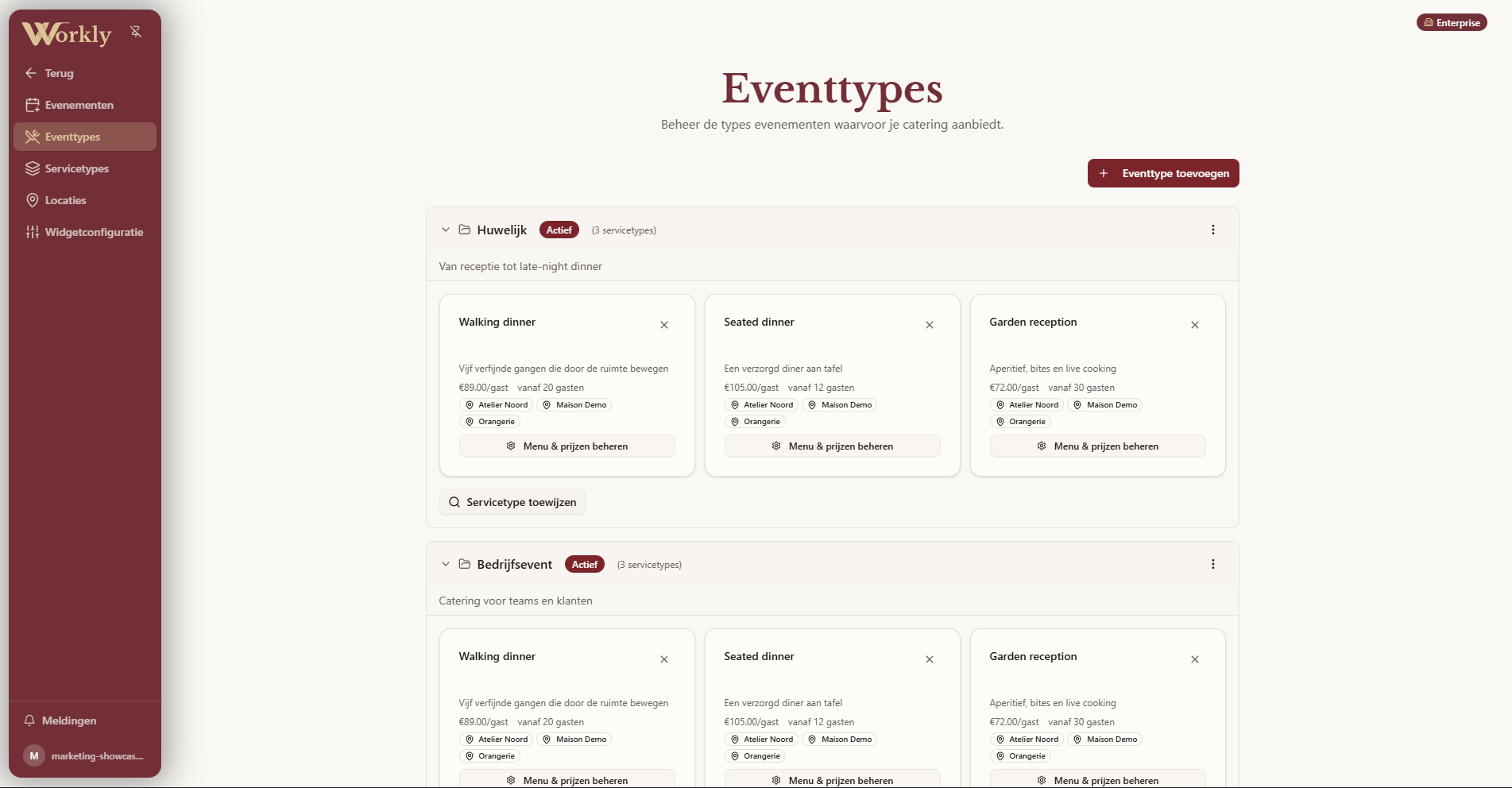
Your offer, structured
Configure event types such as weddings, corporate events and private dinners, service types such as BBQ, walking dinner or buffet, and your locations. Each combination carries its own menus, pricing and minimum guests.
A request flow guests can finish
The widget guides customers through date, guests, menus and extras in a few clear steps, on any device. Complete requests mean fewer back-and-forth emails, and customers follow their quote afterwards in their own portal.
From request to confirmed event
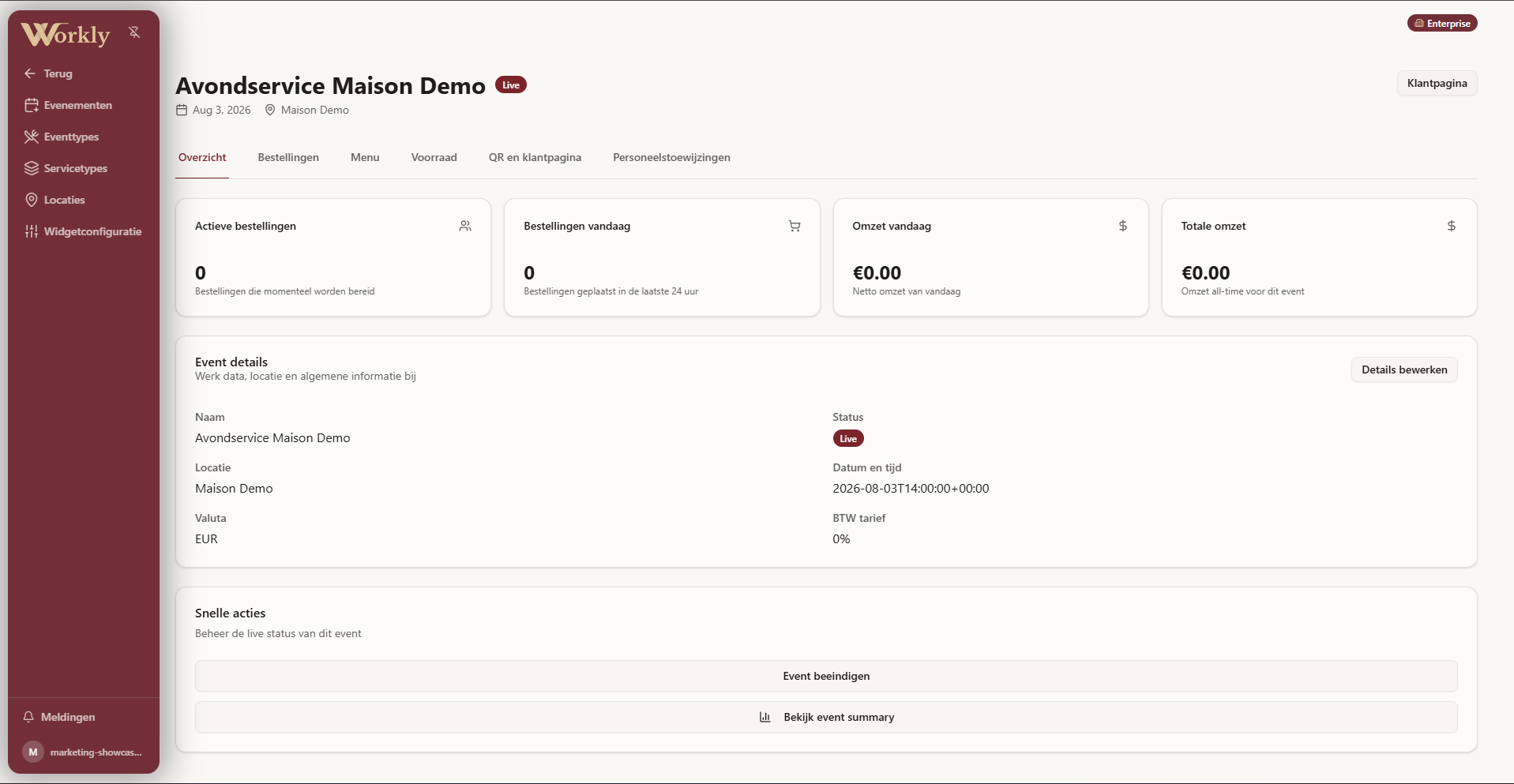
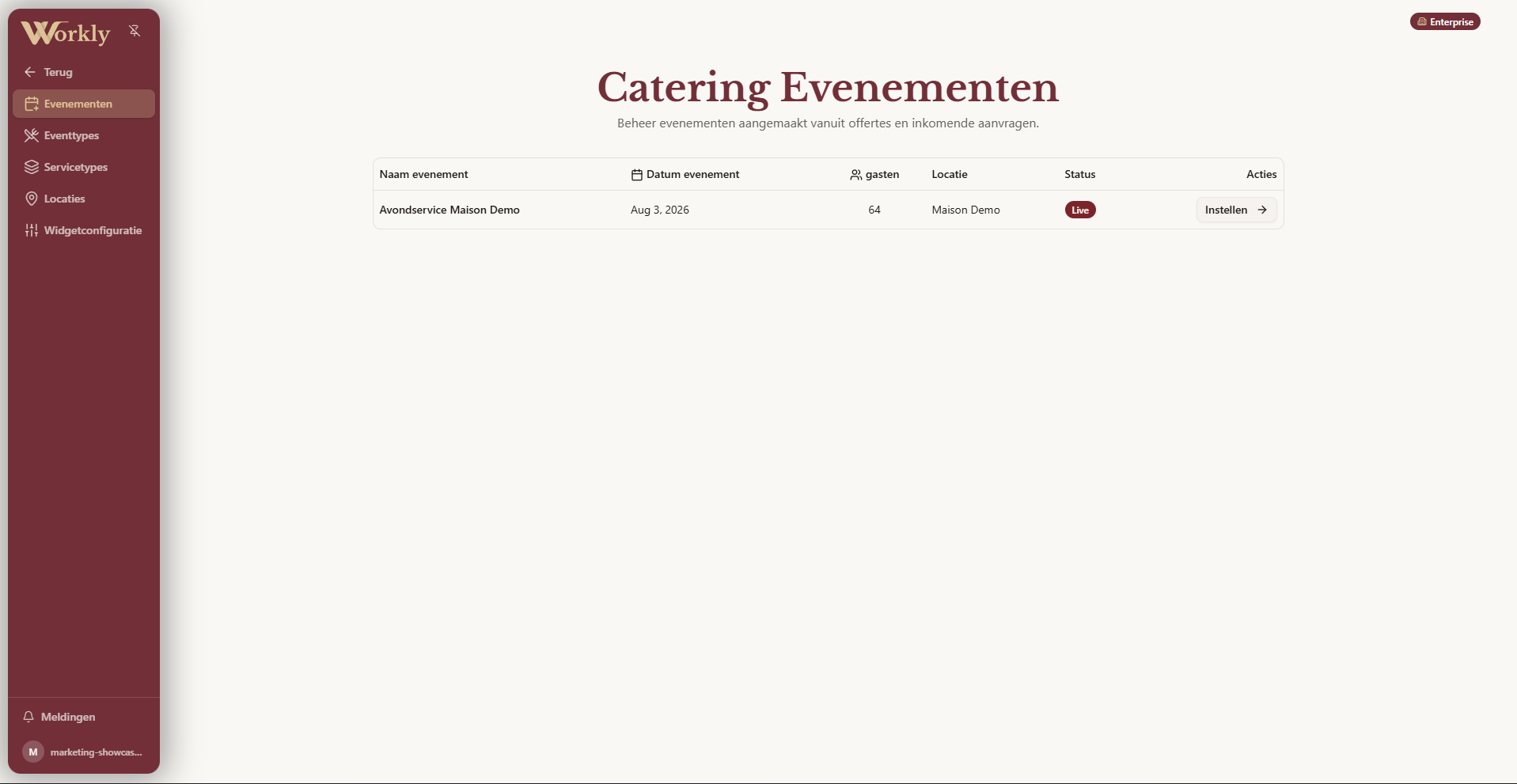
Every request appears in your dashboard with everything attached. Quote it, adjust it with the customer in their portal, and confirm - the event flows into your agenda, staffing and billing.
How it works
- Configure your offerEvent types, service types, locations and menus.
- Embed the widgetOne snippet on your website, styled to your brand.
- Receive complete requestsStructured details land in your dashboard.
- Quote and confirmCustomers follow along in their own portal.
Frequently asked questions
How does the widget get on my website?+
You paste one embed snippet - it works on any site that accepts HTML and inherits your Workly configuration automatically.
Can I define my own event and service types?+
Fully. Event types, service types, menus, prices and minimum guest counts are all yours to configure.
Where do requests arrive?+
In your Workly dashboard, structured and comparable - with the customer kept in the loop through their own portal.
Can customers see and approve quotes online?+
Yes, quotes are shared in the customer portal where they can review, comment and approve.
Does a confirmed request become an event?+
Yes - confirmation creates the event in your agenda, ready for staffing, orders and billing.
Is the Catering Portal also available separately from the full platform?+
Yes. Catering & Events is available as a standalone module from €150/month, alongside the full Workly platform.
Can I offer multiple locations in the widget?+
Yes. You configure multiple locations in the widget, each with its own event types, service types and menus.
Turn your website into your best salesperson.
Request a demo and explore your complete catering request flow.